
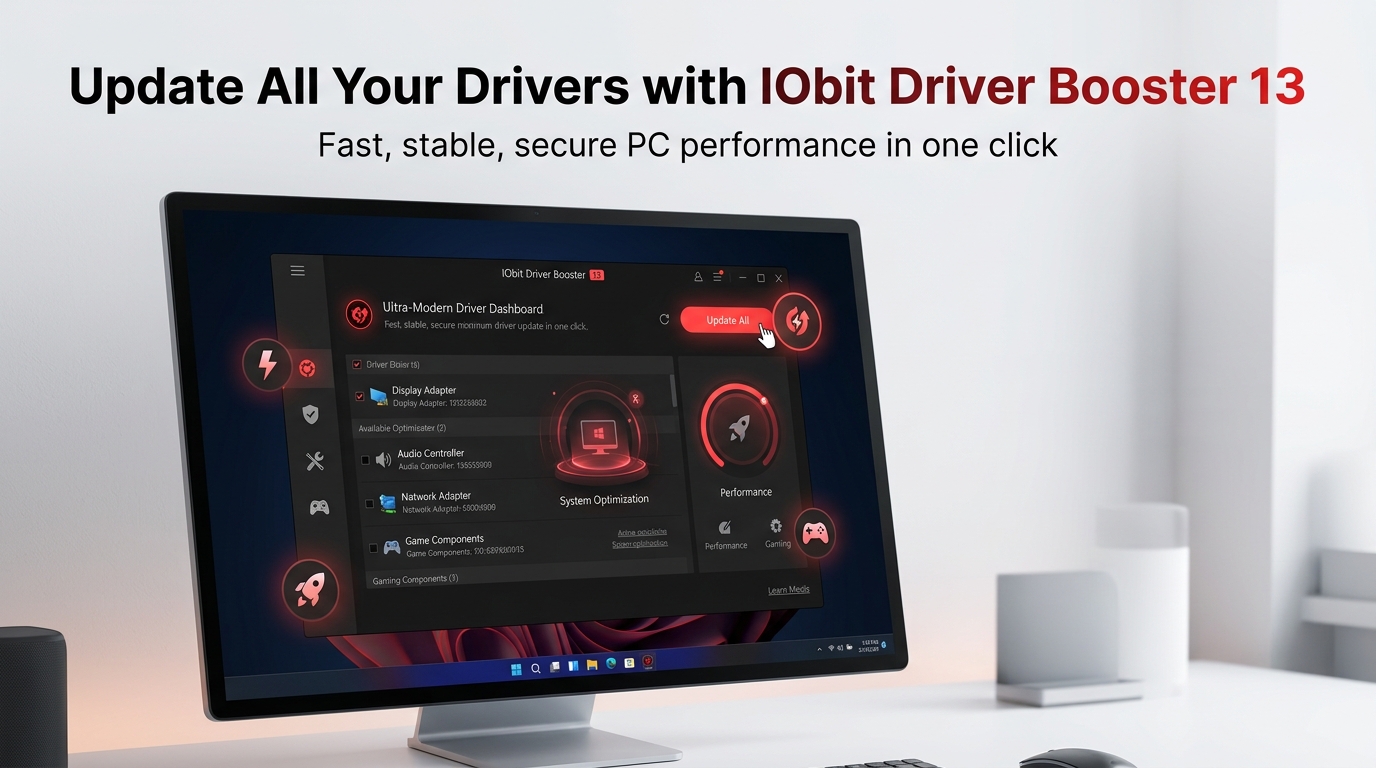
IObit Driver Booster 13: Keep Your PC Fast, Stable, and Error-Free with One-Click Driver Updates
Outdated drivers can cause all kinds of PC problems, including no sound, network issues, poor graphics, game lag, and random device errors. That is why IObit Driver Booster 13 is a useful tool for Windows users, because it scans for outdated, missing, and faulty drivers and helps update them quickly.
IObit says Driver Booster 13 supports Windows 11, 10, 8, 7, Vista, and XP, and now fully supports Windows 10/11 ARM64 devices as well. The software also claims support for drivers from 1,200+ major brands and a database of 18,000,000+ drivers.
What it does
Driver Booster 13 is a Windows driver updater designed to detect and update outdated drivers with minimal manual effort. According to IObit, it covers graphics, USB, audio, display, network, printer, mouse, keyboard, and scanner drivers.
This makes it helpful for users who do not want to search manufacturer websites manually for every driver update. Instead, the software scans the system and presents available updates in a one-click workflow.
Main features
Driver Booster 13 includes several features aimed at performance, stability, and convenience.
-
One-click scan and driver updates.
-
18,000,000+ driver database.
-
Support for 1,200+ major hardware brands.
-
Microsoft WHQL plus IObit security verification.
-
Offline driver updater for systems without internet.
-
Backup and restore options before updates.
-
Fix tools for no sound, network failure, bad resolution, and device errors.
-
Game Boost for better gaming performance.
Why it helps
Old or faulty drivers can affect system stability and device compatibility. IObit says Driver Booster 13 is built to reduce crashes, freezing, slow browsing, and bad graphics through updated drivers and repair tools.
IObit’s press release for version 13 says the refined installation engine works 8% faster and achieves a 57% higher success rate, while Game Boost is tuned for up to 5% better performance. That makes it appealing for both regular PC users and gamers.
Gaming benefits
For gamers, updated graphics drivers and game components can make a noticeable difference in stability and smoothness. Driver Booster 13 includes gaming-focused optimization and support for newer game-related drivers.
IObit also positions the software as a way to improve responsiveness and reduce lag during gameplay. While exact gains will vary by system, the software is clearly marketed toward gaming performance as well as general maintenance.
Safety
IObit says each driver is verified in two steps, with Microsoft WHQL and an IObit security scan. The Microsoft Store listing also highlights restore points and backup features to reduce the risk of bad driver updates.
That said, any driver update tool carries some risk, so backup and restore features matter. Driver Booster includes those safeguards, which makes it more practical for non-technical users.
Who should use it
Driver Booster 13 may be useful for:
-
Windows users dealing with outdated driver issues.
-
People who want to fix no sound, network, or display problems.
-
Gamers who want smoother performance and up-to-date components.
-
Users who prefer automatic driver management over manual installs.
-
ARM64 Windows 10/11 users, since version 13 adds full ARM64 support.
Is it worth it
If you frequently face driver-related issues, device errors, or gaming instability, Driver Booster 13 can be a practical tool. Its large driver database, one-click workflow, offline updater, and repair tools make it convenient for everyday Windows maintenance.
Users who prefer full manual control may still want to manage drivers themselves. But if you want speed, convenience, and automation, Driver Booster 13 is a strong option.
License key: CF344-0BA8C-C3A82-28ABC (Expiration date: Oct 21, 2026)
License key: CB102-E900A-4E404-808BC (Expiration date: Sep 11, 2026)
License key: 35CC7-26959-D2E64-345BC (Expiration date: Aug 23, 2026)
License key: AED8B-BAF14-21DF4-E47BC (Expiration date: Aug 11, 2026)
License key: 70394-E2A29-9DD4B-811BC (Expiration date: May 14, 2026)


About author

Add comment