
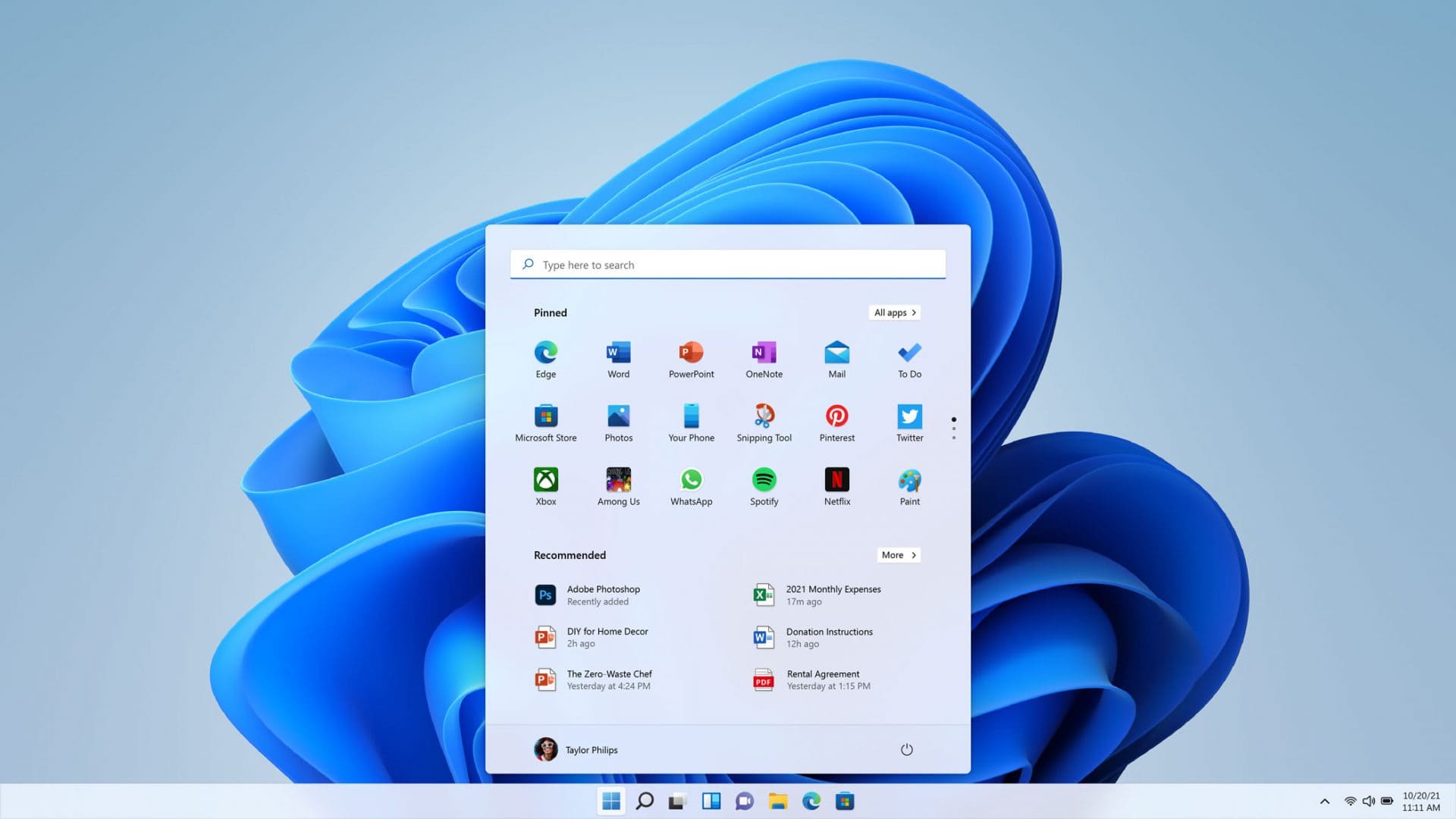
Windows 11 Semantic Search: The Future of Intelligent Computing
Windows 11 Semantic Search: The Future of Intelligent Computing
Windows 11 continues to revolutionize the computing experience with its groundbreaking semantic search feature, officially launched in April 20251. This AI-powered intelligent search capability transforms how users interact with their PCs, making file discovery and system navigation more intuitive than ever before.
What is Windows 11 Semantic Search?
Semantic search, also known as Microsoft Windows 11 Intelligent Search, represents a significant leap forward in user experience1. Unlike traditional search methods that require exact file names or keywords, this contextual search understands the meaning behind your queries. Users can now search for “family vacation photos” or “budget for my trip” and instantly find relevant files, even without precise naming conventions1.
This smart Windows search feature works seamlessly across File Explorer, the Start menu, and Settings, supporting six languages: English, Chinese, French, German, Japanese, and Spanish1. The technology handles common file types including Word documents (.docx), PDFs (.pdf), and various image formats (.jpg, .png, .gif)
How Semantic Search Works
The intelligence behind Windows 11’s semantic search lies in its Neural Processing Units (NPUs), specialized AI chips found in Copilot+ PCs1. This local processing ensures both speed and privacy, as the feature operates entirely on your device without requiring internet connectivity2.
Key capabilities include:
-
Natural language queries for file discovery
-
Contextual understanding of search intent
-
Settings navigation through descriptive commands
-
Photo identification in File Explorer using descriptive terms
Enhanced User Experience Features
Voice Typing and Touch Improvements
Windows 11 introduces advanced voice typing capabilities with a new launcher that can be positioned anywhere on screen3. The system also features thirteen new themes for the touch keyboard, including hardware-matching options for Surface devices3.
Multitasking and Display Optimization
The operating system eliminates traditional tablet mode in favor of automatic adaptation based on usage context3. Touch improvements include larger touch targets and automatic split-view arrangement when screens are rotated3.
Technical Requirements and Availability
Currently, semantic search is exclusively available on Copilot+ PCs with Snapdragon processors2. Users with AMD or Intel-powered systems will need to wait for broader compatibility. The feature represents Microsoft’s commitment to bringing AI-powered productivity to mainstream computing.
SEO Benefits for Content Creators
For digital marketers and content creators, Windows 11’s semantic search aligns with modern keyword research strategies4. The system’s ability to understand context mirrors how search engines like Google process queries, making it valuable for optimizing content workflows.
Best practices include:
-
Utilizing long-tail keywords in file naming
-
Implementing semantic keyword clusters for better organization
-
Leveraging natural language processing for content discovery
The Future of Windows Search
Microsoft’s investment in semantic search technology positions Windows 11 as a leader in intelligent computing. This feature bridges the gap between traditional file management and modern AI-powered assistance, creating a more intuitive computing environment.
As ChatGPT and other AI tools continue gaining popularity5, Windows 11’s semantic search demonstrates how operating systems can integrate intelligent features locally, providing users with powerful capabilities while maintaining privacy and performance.
Conclusion
Windows 11’s semantic search represents a fundamental shift toward more intelligent, user-friendly computing. By understanding context and intent rather than requiring exact matches, this feature makes file discovery and system navigation more natural and efficient. As Microsoft continues expanding compatibility and refining the technology, semantic search will likely become an essential tool for both casual users and professional content creators seeking to optimize their digital workflows.
The integration of AI-powered search capabilities into Windows 11 exemplifies how modern operating systems can enhance productivity while maintaining user privacy through local processing. This innovation sets the stage for even more intelligent computing experiences in the future.


About author

Add comment